

SUP-2026 Apple Device Support Exam Guide: Earn the Apple Certified Support Professional Badge
Edina 06-15-2026
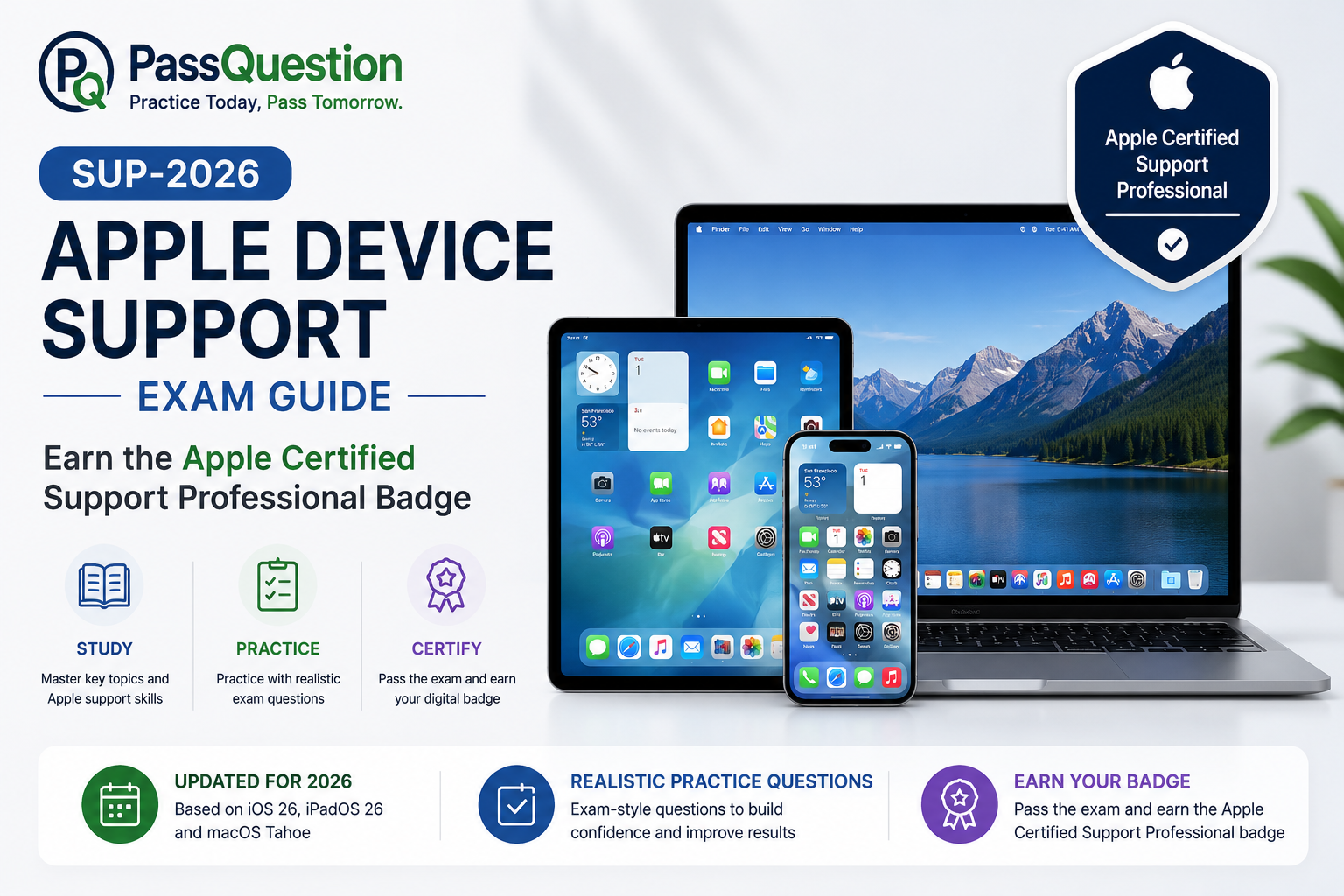
The SUP-2026 Apple Device Support Exam is the latest certification exam for IT professionals who support Apple devices in business, education, and enterprise environments. Passing this exam demonstrates your ability to configure, manage, troubleshoot, and support Apple hardware and operating systems, including iOS 26, iPadOS 26, and macOS Tahoe. To help candidates prepare more effectively, the most valid SUP-2026 Apple Device Support Prep Guide with Practice Test Questions from PassQuestion provides comprehensive coverage of the latest exam objectives, real-world support scenarios, and troubleshooting workflows. These updated practice questions help reinforce technical knowledge, strengthen problem-solving skills, and build confidence for earning the Apple Certified Support Professional digital badge.
What Is the Apple Device Support Certification?
The Apple Device Support certification validates the foundational skills required to support Apple devices in professional environments. It is designed for technical support specialists, help desk professionals, IT administrators, and anyone responsible for deploying, maintaining, and troubleshooting Apple products.
The certification confirms your ability to support users working with Macs, iPhones, and iPads while applying Apple's recommended troubleshooting methodologies and support best practices. Successful candidates earn the Apple Certified Support Professional digital badge, a valuable credential that demonstrates practical Apple support expertise.
Who Should Take the SUP-2026 Apple Device Support Exam?
The SUP-2026 exam is ideal for professionals who support Apple devices in organizational environments and want to validate their technical skills.
Typical candidates include:
- Apple Support Specialists
- Help Desk Technicians
- IT Support Professionals
- Desktop Support Engineers
- System Administrators
- Apple Device Administrators
- Educational Technology Specialists
- Enterprise Mobility Support Teams
Candidates should have hands-on experience with Apple devices and be comfortable performing common support, configuration, and troubleshooting tasks.
Apple Device Support SUP-2026 Exam Details
| Exam Detail | Information |
|---|---|
| Exam Name | Apple Device Support Exam |
| Exam Code | SUP-2026 |
| Certification Earned | Apple Certified Support Professional |
| Number of Questions | Approximately 80 |
| Exam Duration | 120 Minutes |
| Passing Score | 75% |
| Question Types | Multiple Choice (Single and Multiple Select) |
| Operating Systems | iOS 26, iPadOS 26, macOS Tahoe |
| Open Book | No |
Candidates are expected to demonstrate both theoretical understanding and practical troubleshooting skills throughout the exam.
Master the Core Topics Covered on the SUP-2026 Apple Device Support Exam
The exam evaluates practical workflows and theoretical knowledge across several primary areas:
Device Setup & Account Management
Initial Setup: Using Setup Assistant, Quick Start, and Managed Apple Accounts.
Account Basics: Configuring and using Apple Accounts, iCloud, and Continuity features.
Operating System & Hardware Fundamentals
OS Operations: Mastery of macOS, iOS, iPadOS, and core Apple hardware.
Diagnostics: Using macOS Recovery, Safe Mode, and Apple Diagnostics to resolve software and hardware failures.
Networking & Connectivity
Troubleshooting: Diagnosing issues with Wi-Fi, cellular data, Personal Hotspot, and VPNs.
Sharing: Enterprise workflows for AirDrop, Screen Sharing, and Continuity.
Security & Data Protection
Privacy & Encryption: Managing Stolen Device Protection, FileVault, and privacy permissions introduced in 2026 OS updates.
Backup & Recovery: Utilizing Disk Utility, Terminal, and Apple Configurator to revive or restore unresponsive devices.
Enterprise & Device Management
Mobile Device Management (MDM): Managing and supporting Apple devices in an organizational environment using configuration tools and MDM.
Best Preparation Strategies for the SUP-2026 Exam
1. Gain Hands-On Experience with Apple Devices
Practical experience is one of the most important factors for success. Spend time working with iPhones, iPads, and Macs to become familiar with setup, troubleshooting, security, and recovery workflows.
2. Study the Latest Apple Operating Systems
Because the exam is based on iOS 26, iPadOS 26, and macOS Tahoe, candidates should understand new features, security enhancements, and updated administrative tools introduced in these platforms.
3. Complete Apple's Official Learning Resources
Review Apple's learning materials carefully and use the built-in knowledge checks to evaluate your understanding of each topic area.
4. Practice with Updated SUP-2026 Questions from PassQuestion
The latest SUP-2026 Apple Device Support Practice Test Questions from PassQuestion help candidates become familiar with exam-style questions, reinforce technical concepts, and identify areas that need additional review.
5. Focus on Troubleshooting Scenarios
Many exam questions are based on practical support situations. Spend additional time learning diagnostic workflows, networking troubleshooting, device recovery procedures, and enterprise support scenarios.
Conclusion: Start Your Journey Toward Apple Certified Support Professional Status
The SUP-2026 Apple Device Support Exam is an excellent certification for IT professionals who support Apple devices in organizational environments. It validates essential skills in device setup, operating system support, networking, security, recovery, and enterprise device management.
By combining hands-on Apple support experience, focused study of the latest exam objectives, and the most valid SUP-2026 Apple Device Support Prep Guide with Practice Test Questions from PassQuestion, candidates can prepare effectively and confidently earn the Apple Certified Support Professional digital badge.
- TOP 50 Exam Questions
-
Exam
All copyrights reserved 2026 PassQuestion NETWORK CO.,LIMITED. All Rights Reserved.
Passquestion doesn't offer Real Microsoft, Amazon, Cisco Exam Questions. All Passquestion content is sourced from the Internet.