

156-588 CCTE R82 Exam Questions: Check Point Troubleshooting Expert Prep Guide
Edina 11-03-2026
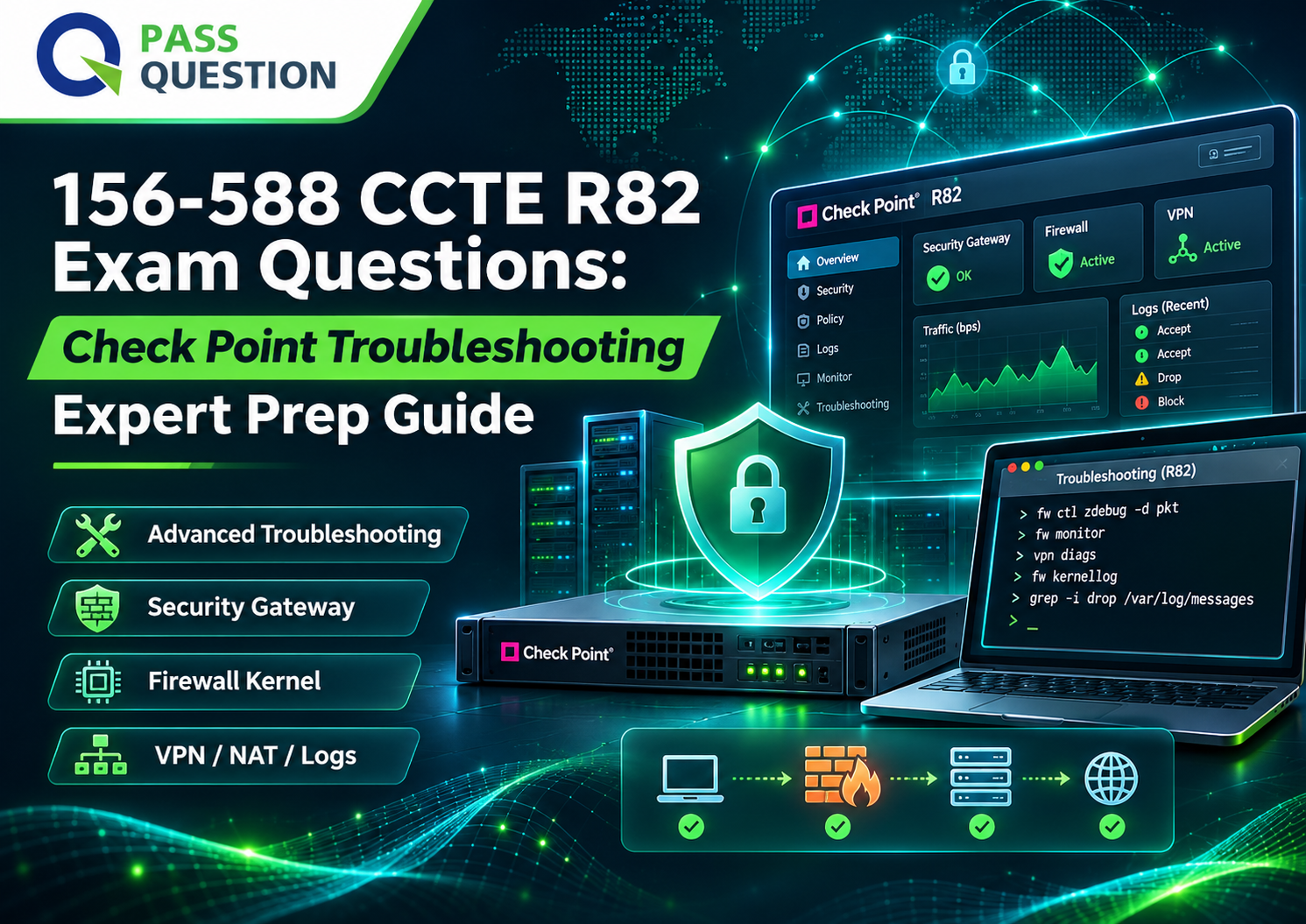
The 156-588 Check Point Certified Troubleshooting Expert – R82 (CCTE) certification is designed for experienced security professionals who need advanced skills to diagnose and resolve complex issues in Check Point security environments. For candidates preparing for this certification, the latest 156-588 Exam Guide with Practice Test Questions from PassQuestion provides a focused way to review essential troubleshooting concepts, reinforce technical knowledge, and evaluate exam readiness. By combining practice tests with Check Point's recommended training and hands-on lab experience, candidates can strengthen their ability to troubleshoot Security Management Servers, Security Gateways, Firewall Kernel operations, Access Control, NAT, Identity Awareness, and Site-to-Site VPN.
What Is the Check Point Certified Troubleshooting Expert (CCTE) R82 Certification?
The Check Point Certified Troubleshooting Expert (CCTE) certification validates advanced troubleshooting knowledge for professionals responsible for maintaining complex Check Point security environments.
Unlike foundational security administration training, the CCTE program concentrates on diagnosing complicated technical problems using Linux-based commands, Check Point troubleshooting utilities, debugging techniques, system monitoring tools, and traffic analysis.
The R82 training curriculum covers the entire Check Point security stack, beginning with general troubleshooting techniques and progressing through advanced troubleshooting of management servers, logs and events, security gateways, firewall kernel operations, and network security features.
The certification is particularly relevant to security engineers and administrators who need to investigate difficult incidents, identify root causes, restore normal operations, and maintain the stability of enterprise security infrastructure.
156-588 CCTE Exam Information
The following information summarizes the certification and associated training details.
| Exam Attribute | Details |
|---|---|
| Certification | Check Point Certified Troubleshooting Expert (CCTE) |
| Exam Code | 156-588 |
| Version | R82 |
| Training Duration | 2 days |
| Target Audience | Security Administrators, Engineers, Analysts, Consultants, and Architects |
| Recommended Preparation | Check Point Security Expert (CCSE) |
| Prerequisite | Valid or expired CCSE certification |
| Suggested Additional Courses | CPDA and CCSA |
| Main Focus | Advanced Check Point security troubleshooting |
Important prerequisite: A valid or expired Check Point Certified Security Expert (CCSE) certification is required to take the CCTE exam. Candidates should verify their eligibility before scheduling the examination.
The official course description identifies a two-day training program. This is the training duration, not the examination time limit.
Who Should Take the CCTE R82 Exam?
The CCTE certification is intended for experienced Check Point security professionals who work with enterprise security infrastructure and need advanced troubleshooting capabilities.
The primary target audience includes:
- Security Administrators: Professionals responsible for maintaining Check Point security policies, gateways, and management infrastructure.
- Security Engineers: Technical specialists who investigate complex network security issues and resolve configuration or operational problems.
- Security Analysts: Professionals who analyze security events, logs, and traffic behavior to identify potential issues.
- Security Consultants: Consultants who support customers with advanced troubleshooting and security infrastructure optimization.
- Security Architects: Professionals responsible for designing and maintaining reliable Check Point security architectures.
Candidates should have a solid foundation in networking, TCP/IP, operating systems, system administration, and security technologies.
CCTE R82 Prerequisites and Recommended Knowledge
The CCTE program is designed for experienced professionals rather than beginners. According to the official Check Point course description, candidates should possess the following foundational knowledge:
- Unix-like and/or Windows operating systems.
- Internet fundamentals.
- Networking fundamentals.
- Network security concepts.
- System administration.
- TCP/IP networking.
- Bash scripting in Unix-like operating systems.
- Working with text editors in Unix-like operating systems.
Check Point recommends the Security Expert (CCSE) course as the primary preparation. Check Point Deployment Administrator (CPDA) and Check Point Security Administrator (CCSA) are also suggested for enhanced learning.
Having these foundations makes it easier to understand advanced debugging commands, interpret system behavior, investigate traffic flows, and resolve complex security issues.
156-588 CCTE R82 Exam Objectives and Training Modules
The Check Point Certified Troubleshooting Expert (CCTE) R82 curriculum consists of nine modules covering advanced troubleshooting across the Check Point security infrastructure. The following table summarizes the key objectives and practical lab activities included in the official training program.
| Training Module | Key Objectives | Practical Lab Tasks |
|---|---|---|
| Module 1: Introduction to Advanced Troubleshooting | - Identify and use Linux-based and Check Point commands and tools for system monitoring, file editing, and file viewing. - Identify risks associated with troubleshooting commands and tools. - Examine Security Gateway and Security Management Server resources. - Review CPView system statistics and historical data. - Understand CPView refresh-rate configuration. |
- Simplify Security Policies. - Examine Security Gateway system resources. - Examine Security Management Server resources. - Review CPView system statistics. - Change the CPView refresh rate. - Examine historical CPView data. |
| Module 2: Advanced Security Management Server Troubleshooting | - Identify and use appropriate troubleshooting and debugging commands and tools. - Resolve advanced Security Management Server issues. - Troubleshoot API Server issues. |
- Troubleshoot SmartConsole issues. - Determine the management condition. - Restore the environment. |
| Module 3: Advanced Troubleshooting with Logs and Events | - Investigate and troubleshoot traffic-related or security-related issues using logs and events monitoring tools. | - Troubleshoot the log connection. - Troubleshoot SmartLog. - Restore the environment. |
| Module 4: Advanced Security Gateway Troubleshooting | - Identify and use appropriate troubleshooting and debugging commands and tools to resolve advanced Security Gateway issues. | - Troubleshoot SIC communication. - Troubleshoot Security Gateway processes. - Restore the environment. |
| Module 5: Advanced Firewall Kernel Debugging | - Demonstrate an understanding of advanced troubleshooting tools and techniques for kernel debugging. | - Set the stage. - Determine the traffic flow. - Evaluate traffic issues with basic kernel debugs. - Troubleshoot traffic issues with advanced kernel debugs. - Restore the environment. |
| Module 6: Advanced Access Control Troubleshooting | - Identify and use appropriate troubleshooting and debugging commands and tools to resolve advanced Access Control issues. | - Set the stage. - Increase the log detail. - Repeat the test. - Debug the Unified Policy Module. - Restore the environment. |
| Module 7: Advanced NAT Troubleshooting | - Investigate and troubleshoot Network Address Translation (NAT) issues. | - Analyze Hide NAT traffic using packet captures. - Troubleshoot Static NAT configuration with SmartConsole. - Examine Static NAT traffic using packet captures. |
| Module 8: Advanced Identity Awareness Troubleshooting | - Identify and use appropriate troubleshooting and debugging commands and tools to resolve advanced Identity Awareness issues. | - Verify the initial problem. - Examine the Security Gateway for configuration issues. - Reconfigure Identity Awareness. - Test the new rules. - Complete the changes. |
| Module 9: Advanced Site-to-Site VPN Troubleshooting | - Identify and use appropriate troubleshooting and debugging commands and tools to resolve advanced Site-to-Site VPN troubleshooting issues. | - Troubleshoot IKE issues. - Examine configuration issues. - Restore the environment. |
Key Areas to Focus on During Preparation
Candidates should pay particular attention to the following technical areas:
- System Monitoring and Management: Linux commands, Check Point utilities, CPView, Security Management Server, and SmartConsole troubleshooting.
- Traffic and Kernel Debugging: Traffic flow analysis, basic and advanced kernel debugging, and packet captures.
- Security Policy Troubleshooting: Access Control, Unified Policy Module, and NAT configuration.
- Identity and VPN Troubleshooting: Identity Awareness configuration, IKE negotiation, and Site-to-Site VPN connectivity.
- Logs and Events: Log connections, SmartLog, and security event investigation.
A strong preparation strategy should combine Check Point's recommended CCTE training, hands-on troubleshooting labs, and 156-588 practice tests to reinforce the technical knowledge required for the CCTE R82 certification.
How to Prepare for the 156-588 CCTE R82 Exam
Preparing for the CCTE exam requires more than memorizing commands. Candidates should develop a systematic troubleshooting approach and understand how different Check Point components interact.
1. Review the Check Point Security Expert Foundation
Start with your CCSE knowledge, particularly Security Gateway operations, Security Management, security policies, and VPN fundamentals. A strong foundation makes the advanced troubleshooting modules easier to understand.
2. Practice Linux and Check Point Troubleshooting Commands
Become comfortable using Linux-based commands, Check Point utilities, system monitoring tools, and debugging techniques. Understand not only how to execute commands but also how to interpret their output and recognize potential risks.
3. Focus on Firewall Kernel and Traffic Troubleshooting
Pay particular attention to traffic flow analysis, kernel debugging, Access Control, and NAT. These subjects require an understanding of how traffic is processed and how configuration or operational problems can affect connectivity.
4. Gain Hands-On Experience
The official CCTE curriculum includes practical labs covering SmartConsole, CPView, SmartLog, SIC communication, kernel debugging, packet captures, and VPN troubleshooting. Hands-on practice helps reinforce the relationship between troubleshooting commands, system behavior, and root-cause analysis.
5. Use 156-588 Practice Tests
The 156-588 CCTE R82 Practice Test Questions from PassQuestion can help you review the key technical concepts and assess your understanding of the training objectives. Attempt questions independently, review the explanations, and revisit unfamiliar troubleshooting scenarios.
Combining practice tests with Check Point training and practical lab exercises provides a more comprehensive preparation approach.
Final Thoughts
The 156-588 Check Point Certified Troubleshooting Expert (CCTE) R82 certification is designed for experienced security professionals who want to strengthen their ability to diagnose and resolve complex Check Point security issues. Its curriculum covers the complete troubleshooting process, from system monitoring and Security Management Server investigations to advanced Firewall Kernel debugging, Access Control, NAT, Identity Awareness, and Site-to-Site VPN troubleshooting.
To prepare effectively, candidates should build on their CCSE knowledge, practice the recommended troubleshooting techniques, and gain hands-on experience with Check Point tools. The latest 156-588 Exam Guide with Practice Test Questions from PassQuestion can further support preparation by helping candidates review important concepts, identify knowledge gaps, and build confidence before taking the CCTE certification exam.
- TOP 50 Exam Questions
-
Exam
All copyrights reserved 2026 PassQuestion NETWORK CO.,LIMITED. All Rights Reserved.
Passquestion doesn't offer Real Microsoft, Amazon, Cisco Exam Questions. All Passquestion content is sourced from the Internet.